How to Set Up an Ergonomic Desk and Chair at Home
A step-by-step way to dial in your seat, desk height and screen so long work days feel easier, with posture guidance drawn from OSHA and CCOHS.

A good workspace is less about the label on the furniture and more about how the pieces line up with your body. Get the chair, the desk and the screen into the right relationship and a long day stops fighting you. Get them wrong and no amount of expensive gear will save your neck by four in the afternoon.
The question most people arrive with is simple: in what order do I adjust everything so I can sit and work comfortably all day? The short answer is chair first, then desk, then screen, and the sections below work through each one with the numbers worth knowing.
Set up in the right order
The chair is your foundation, so it comes first. Everything else, from how high the desk should sit to where the monitor lands, depends on where your body settles once the seat is right. Adjust the desk before the chair and you end up bending the chair to fit a fixed surface, which is backwards.
So the sequence is: set the seat, bring the work surface up to your arms, then move the screen to your eyes. Do it in that order once and you rarely need to touch it again.
Get the seat right first
Start by sitting all the way back so the backrest supports your spine. Raise or lower the seat until your feet rest flat on the floor or on a footrest, your knee joints sit at or below your hips, and there is a gap about the width of three fingers between the front edge of the seat and the back of your knees. That combination comes straight from the CCOHS guidance on working in a sitting position.
A chair that holds this posture without a fight is worth more than one with a longer feature list. The VIVAL chair has a dual-section backrest with lumbar support for ergonomic spine support. What you are aiming for is a seat that disappears under you, not one you keep shifting in.
Bring the desk up to your elbows
Here is the step most guides skip. Once the seat is set, the desk should rise or drop to meet your arms, not the other way round. When your hands are on the keyboard, your forearms should sit roughly parallel to the floor and your elbows should stay close to your body, bent somewhere between 90 and 120 degrees. That range is OSHA's guidance on good working positions, which pairs it with relaxed shoulders and upper arms that hang normally at your sides.
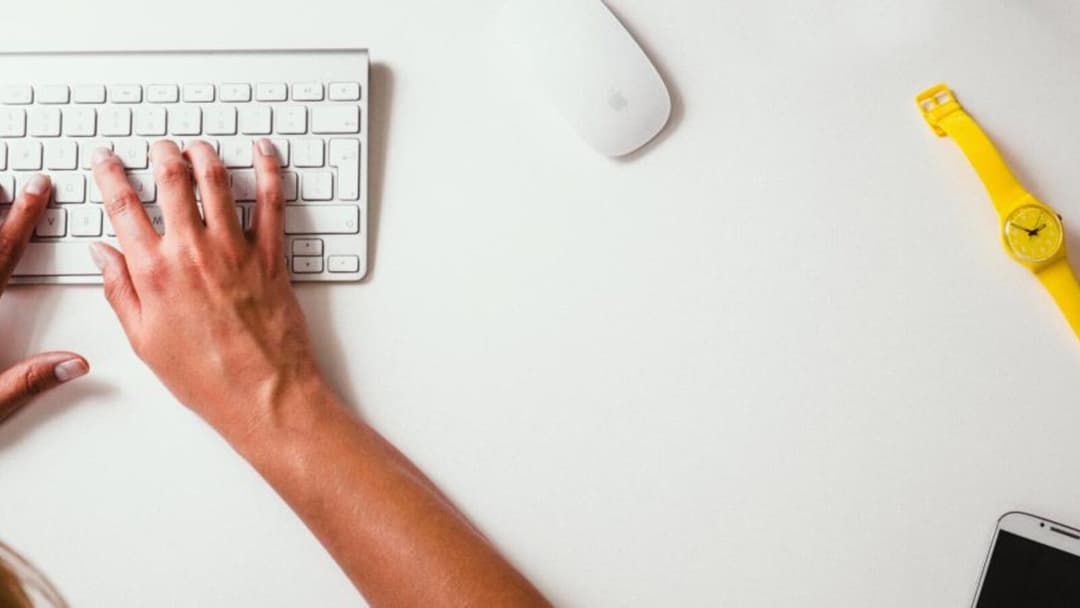
A fixed-height desk forces a compromise: right for typing or right for your legs, rarely both. A height-adjustable desk removes the guesswork, because you move the surface to your elbows instead of guessing at a number. The Vival Desk travels from 72 to 120 cm at the touch of a button and holds three memory presets, so the one setting that puts your forearms level is a single tap away.
Armrests do the same job for the last few centimetres. The VIVAL chair's 3D armrests adjust for height, forward and back, and pivot angle. If you want to check your own numbers before you buy anything, our desk height calculator and the standing desk height guide walk through the maths for your height. S$289 with code VIVAL60 (list S$349)
Put the screen where your eyes already rest
With the seat and desk sorted, the monitor is the easy part. Sit up straight and look ahead. The top of the screen should land at or just slightly below your natural eye level, and the screen itself should sit 50 to 100 cm (20 to 40 inches) from your eyes. Both figures come from OSHA's monitor placement guidance, and together they stop the small forward tilt of the head that turns into a stiff neck.


If you work on a laptop, this is where a stand plus a separate keyboard earns its place. Raising the screen to eye level while your hands stay low on the desk is the whole point, and you cannot do both with a laptop flat on the surface.
Sitting through a Singapore day
Singapore adds one factor a temperate-climate guide will not mention: heat and humidity. Hours of skin against dense foam and fabric trap warmth, and a chair that feels fine at nine can feel sticky by noon. This is where the material of the seat matters as much as its shape.
The VIVAL chair has breathable mesh for cooling airflow and a vented seat for comfort. In this climate that is not a luxury detail, it is part of whether you can actually sit and concentrate through the afternoon.
The best posture is your next one
No single position is the right one to hold all day. CCOHS is blunt about this: there is no one recommended body position for sitting, and it advises changing positions frequently while staying within the recommended ranges. That guidance sits on the same CCOHS page as the numbers above, and it reframes the whole exercise. A perfect setup you never move from is still a setup you never move from.


This is the real argument for a height-adjustable desk: it lets you stand for part of the day without breaking your setup, then sit back down to the same presets. If you are new to it, our standing desk routine shows how to build the habit gently, and the piece on sitting versus standing at home covers why the mix matters more than either extreme.
Set the chair, lift the desk to your arms, move the screen to your eyes, then keep changing it up. That is the whole of an ergonomic setup, and none of it depends on spending the most money in the room.