Standing Desk Height: Set Yours Right
Your standing desk height is the one setting that decides whether the desk suits your body. How to find yours, sitting and standing, in cm or feet.
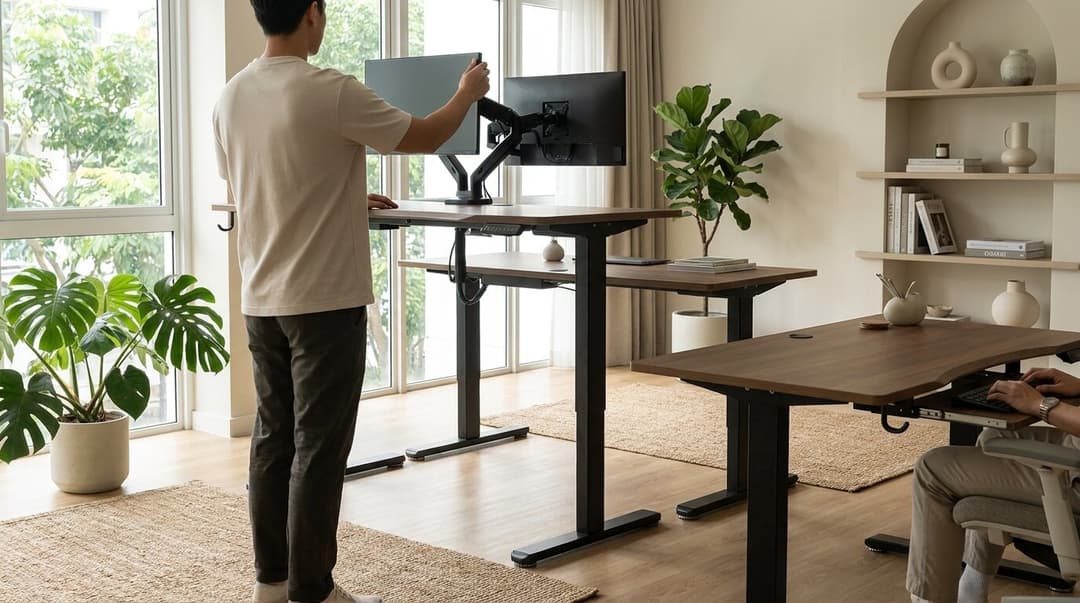
Standing desk height is the one setting that decides whether your desk works for your body or quietly works against it. Most people unbox a sit-stand desk, raise it to a number that feels about right, and never adjust it again. That guess costs you. The wrong height pulls your shoulders up, bends your wrists, and tilts your neck forward for hours at a time. The right height does the opposite. It lets your body settle into a posture it can hold without thinking.
Here is how to find your number, and why it matters more than any spec on the box. If you would rather start from a figure, our free desk height calculator turns your height into your ideal sitting and standing heights in a few seconds.
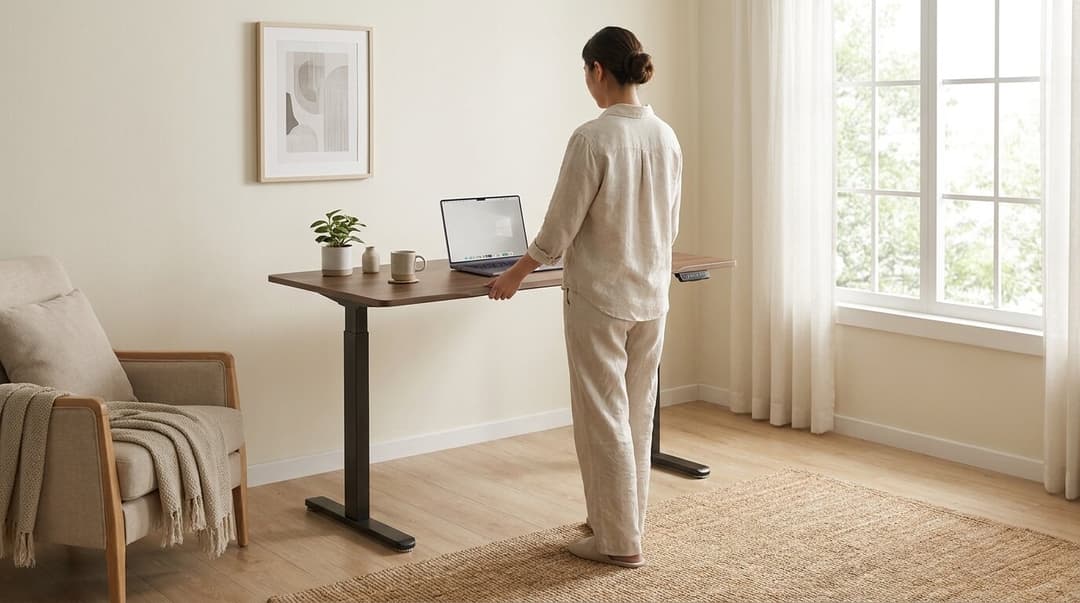
The simple rule: elbows at 90 degrees
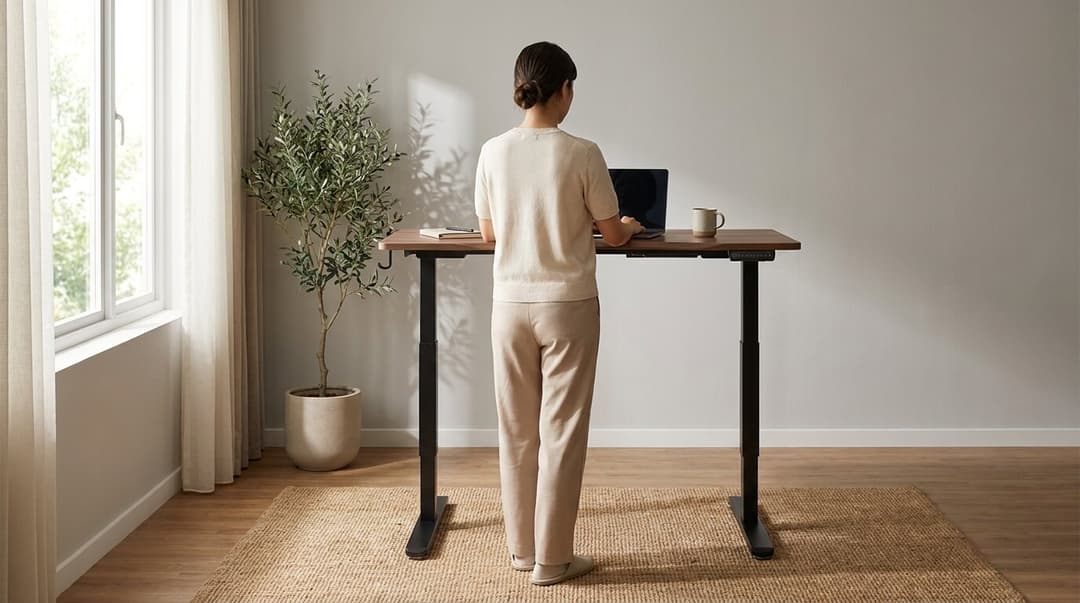
The fastest way to set your standing desk height is to stand tall, relax your shoulders, and bend your elbows to a right angle. Your forearms should sit roughly parallel to the floor. That line, from your relaxed elbow to the desk surface, is your target height.
When your hands rest on the keyboard at this height, your wrists stay flat instead of cocking upward. Your shoulders drop instead of creeping toward your ears. The Occupational Safety and Health Administration (OSHA) in the US describes this neutral arrangement in its computer workstation guidance: elbows close to the body and bent between 90 and 120 degrees, with wrists straight and shoulders relaxed. The same principle holds whether you sit or stand.
A common starting estimate is around 95 to 115 cm from the floor for a standing keyboard surface, depending on your height. Treat that as a sanity check, not a rule. Your own elbow line is the real answer.
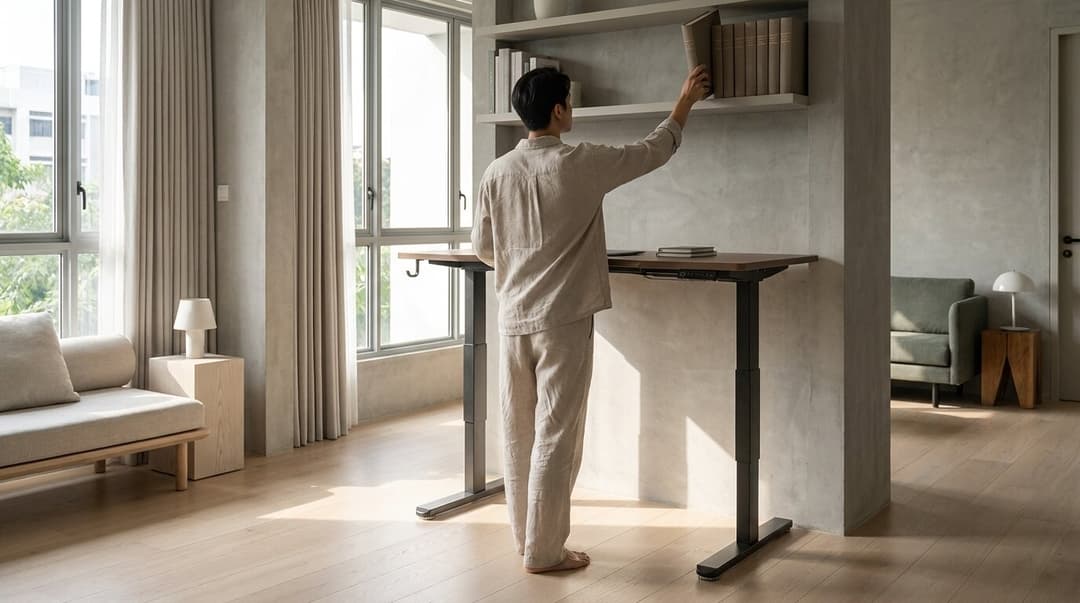
Match the screen, not just the desk
Desk height fixes your arms. Your screen needs its own attention, or your neck pays for it.
Set the top of your monitor at or just below eye level, about an arm's length away. Your eyes should fall naturally on the upper third of the screen when you look straight ahead. If you find yourself dipping your chin to read, the screen sits too low. A laptop almost always sits too low on its own, because the screen and keyboard are locked together. A separate keyboard plus a riser, or an external monitor, lets you set each at its correct height.
Sitting and standing need different checks
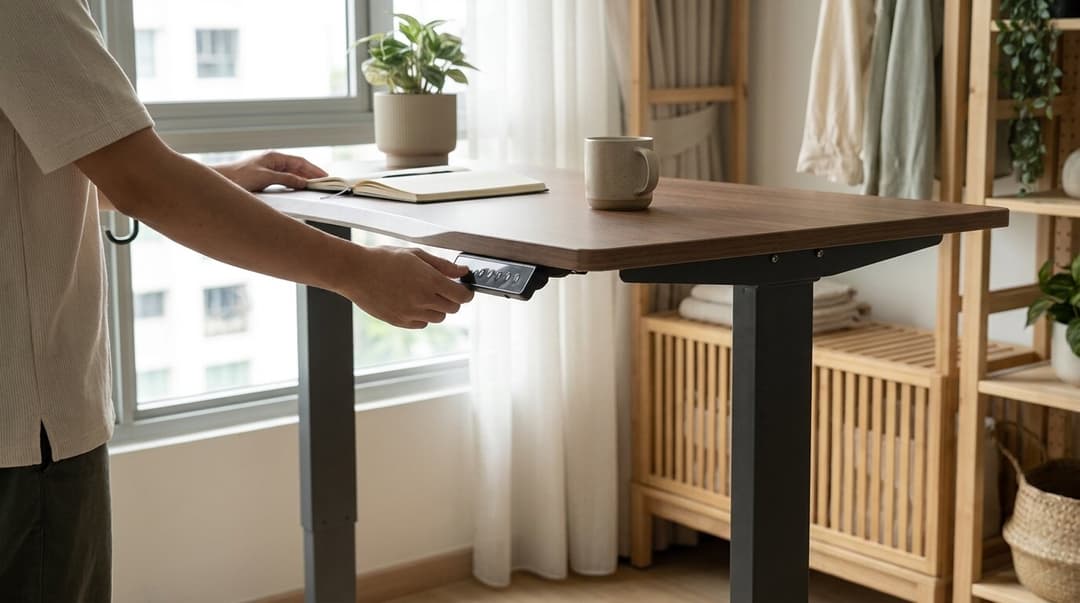
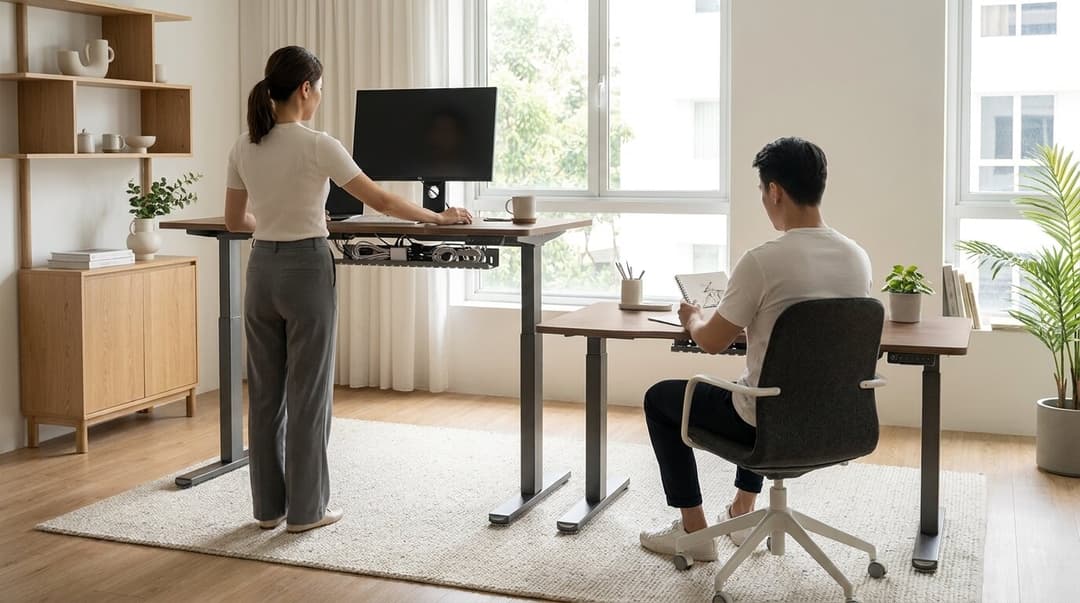
A sit-stand desk has two working heights, not one. When you sit, set the desk so your elbows hit that 90 degree line while your feet rest flat and your thighs stay roughly parallel to the floor. When you stand, raise it again to your standing elbow line. The two numbers are different, which is exactly why memory presets matter. Saving each height means you move between them in seconds instead of fiddling with the controls every time.
Don't stand all day either
Finding the right standing desk height is not an invitation to stand for eight hours straight. Standing rigidly in one spot for too long brings its own aches, in the legs, feet, and lower back.
The point of a sit-stand desk is movement, not picking a single winning posture. The World Health Organization advises all adults to limit the time they spend sedentary, and OSHA says working in one posture or sitting still for prolonged periods is not healthy and advises changing position often. The activity that helps is changing position, not the furniture itself. A reasonable rhythm many people find comfortable is alternating between sitting and standing across the day, shifting before discomfort sets in rather than waiting for it. We dug into how to build that rhythm into a workday in our guide on sitting versus standing and building a healthier work-from-home habit.
Small adjustments that change everything
Once your main heights are set, a few details sharpen the fit.
- Wrists flat. If your wrists bend up to reach the keys, lower the surface a touch. A slight downward tilt of the keyboard can help too.
- Shoulders down. Tension in your neck after an hour usually means the desk sits too high.
- Feet supported. Seated, your feet should rest flat. If they dangle, a footrest closes the gap.
- Screen distance. Roughly an arm's length keeps you from leaning in.
None of this requires special skill. It requires a desk that moves to your body instead of forcing your body to its frame, and a minute of attention when you first set it up.
The desk should do the work
A standing desk earns its place by disappearing into your day. You set your seated height, set your standing height, save them, and stop thinking about it. That is the whole idea behind a dual-motor desk with memory presets and a digital display: your two correct heights, one button each, every time.
If you are setting up a workspace that adapts to you rather than the other way around, see how the Vival Desk saves your two heights. Build the setup around your body first. Everything else follows.