3D Printing for Beginners: FDM or Resin First?
New to 3D printing at home? How FDM and resin printers differ, what PLA and resin each need, the safety involved, and which is the simpler first machine.
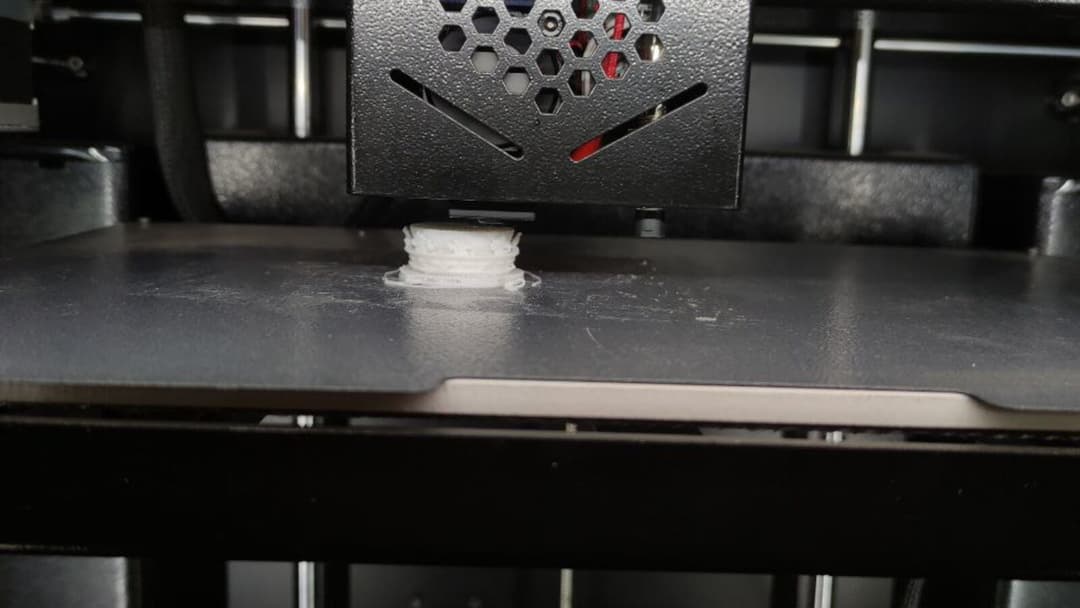

A first 3D printer is one of the few machines that still feels a little like magic on a table at home. A digital model goes in, and an hour or two later a solid object you can hold comes out. Before any of that, though, there is one decision that shapes everything after it: which kind of printer to buy. The two common types build objects in very different ways, and they ask very different things of you.
This guide is general information, not safety advice. Always follow the manual and the safety data sheet that come with your printer and your materials, and treat the maker's own instructions as the final word.
FDM or resin: where a beginner should start
There are two machines you will keep seeing. An FDM printer melts plastic filament through a hot nozzle and lays it down layer by layer, while a resin printer cures liquid resin with light. They make solid objects by completely different means, and that difference decides which one suits a beginner.
For most people new to 3D printing, FDM is the gentler start. The machines are cheaper, the material is easy to live with, and the prints are the kind of thing you will actually use: brackets, organisers, replacement knobs, toys. Resin is the detail specialist. It shines for miniatures, figurines and anything with fine surfaces, but it adds liquid chemicals, washing and curing to every print.
So if you are weighing your very first machine, start with filament, learn the basics on it, and add resin later only if the detail work is what you came for.
How FDM printing works, and why PLA is the easy start
An FDM printer pulls a thin plastic filament from a spool, pushes it through a heated nozzle, and draws each layer of the object onto a flat bed. The bed or the head steps down a fraction of a millimetre, and the next layer goes on top. Do that a few thousand times and you have a part.
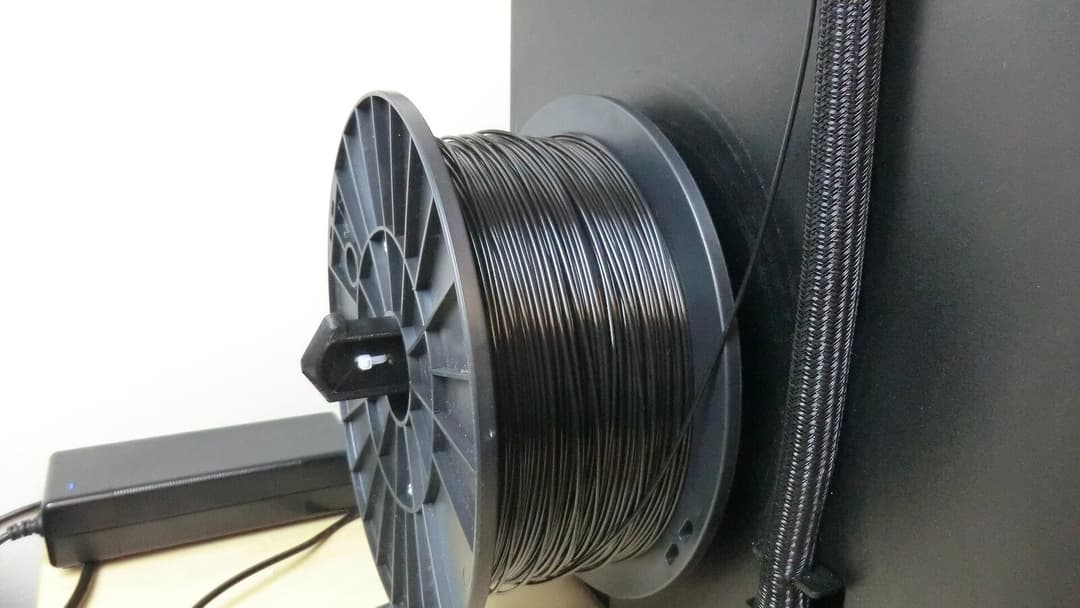

The filament best suited to a first machine is PLA. Prusa calls PLA one of the easiest materials to print and suitable for beginners, and prints it with the nozzle at 215 °C for the first layer and 210 °C after that, on a bed warmed to 60 °C. It is forgiving, it does not warp much, and it is cheap enough to practise with. The same page is honest about the trade: PLA is brittle and inflexible, with low UV and heat resistance, so it is not the material for parts that live outdoors or take a beating.
Build size is the other thing to check. A compact beginner machine does not need a huge bed. Prusa lists the Original Prusa MINI+ with a build volume of 180 x 180 x 180 mm, which is plenty for most first projects. Bigger beds exist, but a smaller one prints faster, costs less, and is easier to keep level while you learn.
How resin printing works, and the handling it adds
A resin printer works from the bottom up. A screen or a light source shines a pattern through the base of a tank of liquid resin, and the light hardens a single layer against a build plate. The plate lifts a fraction, the next layer cures, and the part grows upside down out of the vat.
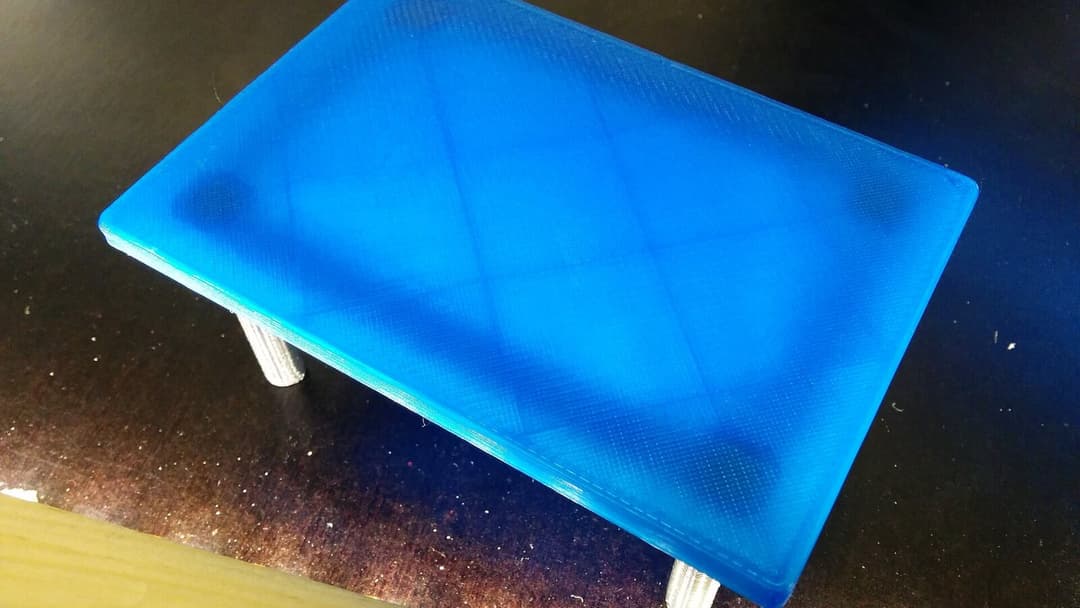

The reward is detail. A filament print carries visible layer lines, like the faint grid across the printed piece above. Formlabs says resin parts come out with smoother surfaces and higher accuracy, which is why miniatures and jewellery masters are printed in resin rather than filament.
That finish comes with extra steps. A fresh resin print is still wet and only partly set. Formlabs describes the workflow as washing the print in alcohol to remove excess resin, after which some parts need a post-cure to reach their best material properties. Snapmaker adds that the wash is usually in highly flammable isopropyl alcohol, followed by curing under UV light. So resin is not just a printer. It is a printer, a wash station, a curing light, gloves, and a plan for the leftover liquid. That is the real reason it sits a step beyond a first machine.
The safety each type asks for
Both kinds of printing produce something in the air, and the safe answer is the same every time: read the maker's manual and the safety data sheet for the exact printer and material in front of you, and follow those. The notes below are general background, not a substitute for them.
For filament, the material matters. Snapmaker says PLA's VOC emissions are incredibly low and generally non-toxic, and the same applies to PETG, though PLA still releases ultrafine particles; both are generally safe for same-room printing with basic airflow, while ABS and ASA release styrene when heated and should not be printed in an open, occupied room. The same page advises never printing in a stagnant room. In practice that means PLA by an open window is an easy start, and the stronger-smelling materials are a later project with proper extraction.
Resin asks for more care from day one. Raise3D says resin printing should be done with nitrile gloves, safety goggles and protective clothing when handling uncured resin, that liquid resin gives off VOCs, ultrafine particles and fumes, and that at least 10 air changes per hour lowers their concentration in the printing area. Uncured resin and the alcohol you wash it in are both liquids you do not want on skin, in eyes or breathed in, so the gloves, the goggles and the ventilation are not optional extras. They are part of the machine.
A desk is not a workbench
A reasonable question, once you have a printer, is where to put it. A tidy home office desk looks like the obvious spot, and for the clean parts of the hobby, slicing a model on your laptop or downloading files, it is fine. The printing itself is a different matter.
Our own Vival Desk is built as a desk and nothing more. Its published specification covers a 120 by 60 cm top, a height range of 72 to 120 cm and a rated load of up to 100 kg. Those numbers tell you it can carry the weight of a small printer and let you work at a comfortable height. They do not say anything about heat, solvents or vibration, and that silence is deliberate: we publish no heat, solvent or vibration rating for the top, and our warranty excludes damage from use outside the desk's intended purpose and from liquids or moisture. The top itself is a walnut-finish laminate (a printed surface layer bonded onto the board). Our warranty also treats denting or scratching the top yourself after delivery, during use, as owner damage rather than a fault. For how that kind of top compares with solid wood, and what a desk top is really made for, our guides go into it.
A printer, by contrast, wants what its maker's instructions call for: clearance around it, ventilation for the fumes, and for resin a splash-tolerant surface and somewhere for alcohol and gloves. A desk surface does not provide any of that, and no desk should be asked to. Keep the hot nozzle, the spills and the solvent on a surface the printer's own manual approves, and let the desk stay a desk.
Your first steps into 3D printing
Once you have chosen a machine, the path in is short. You need a model, software to prepare it, and a little patience.
Models are the easy part. Free libraries are full of designs you can download and print as they are, so you do not have to design anything to begin. To turn a model into instructions your printer understands, you use a slicer, free programs such as Cura or PrusaSlicer, which cut the model into layers and set the speeds and temperatures. For a first print, the default profile for your printer and PLA is almost always the right choice.
Then start small. A print you can finish in an hour tells you whether the machine is set up correctly before you commit to an overnight job. Keep the manual and the safety data sheet nearby, print in PLA while you find your feet, and build up to the fussier materials and to resin only when the simple prints have stopped surprising you.