How to Adjust Your Desk Height, Sitting and Standing
How to adjust your desk height for sitting and standing: elbow targets from OSHA and CCOHS, how to measure with a tape measure, and how to save both.

A desk you can raise and lower is only as good as the height you set it to. Get the number right and your shoulders drop, your forearms rest level and your screen sits where your eyes already look. Get it wrong and you spend the day reaching up or hunching down. To adjust your desk height well, you really only need two numbers, one for sitting and one for standing, a way to measure each, and somewhere to store both so a single press brings them back. This guide walks through all three. We do not test any desk against a health outcome, and every figure here comes from published ergonomics guidance you can open.
The two heights your desk should reach
Sit the way you actually work, feet flat, and look at your forearms. According to OSHA's workstation guidance, your elbows should stay close to your body and bend between 90 and 120 degrees, with your hands, wrists and forearms straight, in line and roughly parallel to the floor. That line, forearms level over the keyboard, is the seated height your desktop should meet. OSHA adds that your thighs and hips sit roughly parallel to the floor, your feet stay supported, and your shoulders stay relaxed with your upper arms hanging at your sides.
Standing changes the reference but not the idea. CCOHS sets the platform height at about your standing elbow position, with elbows close to the body and bent at about 90 degrees, and your hands, wrists and forearms again straight and roughly parallel to the floor. Both heights do the same job: they put your forearms level over the keys. One does it seated, the other standing, which is why a desk that only reaches one of them leaves you compromising for half the day.
Measure your two heights before you touch the controller
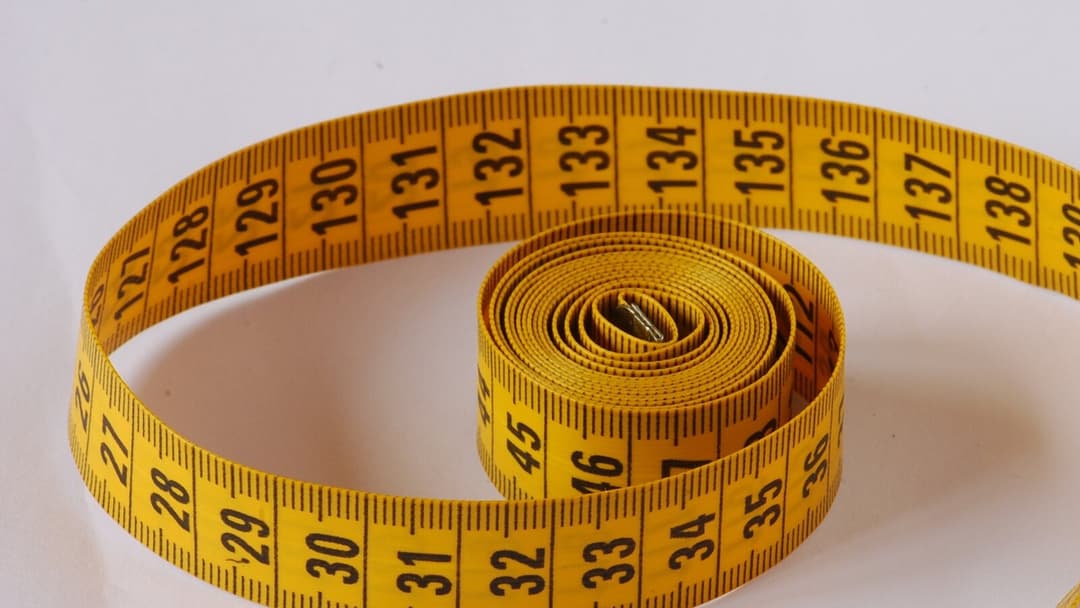

A tape measure settles this faster than any chart. Sit in your chair, set up as you work, and have someone measure from the floor to the underside of your elbow while your forearm is level. That number is your seated desktop height. Then stand in your usual work shoes and measure floor to elbow again; that is your standing height.
The standing number shifts with what is under your feet. CCOHS suggests supportive footwear and, where appropriate, an anti-fatigue mat. So measure in the shoes and on the mat you will actually use, not barefoot on a bare floor, or your standing height will read low once you are dressed for the day. If you would rather start from a typical figure and fine-tune, our desk height calculator gives a starting point by body height, and the standing desk height guide goes deeper on the standing number on its own.
How the adjustment works, and saving both heights
On an electric sit-stand desk, two motors drive the legs up and down while you hold a button on the controller. The part that makes a daily difference is the memory. On the Vival Desk, the controller carries three one-touch presets labelled M+1, M+2 and M+3, with a lit readout that shows the exact height as the desk moves. You raise the desk to your measured seated height and save it to one preset, raise it to your standing height and save that to another, and from then on a single press returns to either. The lit number also lets you confirm you are back at the height you set, rather than judging it by eye.
Setting presets comes after the desk is built, which most people finish in about 30 to 45 minutes, so leave that time before your first adjustment. The desk travels from 72 to 120 cm, so a seated and a standing height for one person usually sit inside that range with a preset to spare for a second user or a perching height.
Get the screen and wrists right after each move

Changing the desk height moves everything on top of it. The screen that sat at eye level while you were seated is suddenly low once you stand. CCOHS says the monitor should sit between horizontal and 35 degrees below your line of sight, so it is worth a glance each time you switch. A screen on an arm that rises with the desk saves you the adjustment, which our monitor arm guide covers.
Your wrists matter as much as your eyes. Keep your hands, wrists and forearms straight and level over the keyboard, the seated posture OSHA describes, and keep the keyboard and mouse in the same places whether you sit or stand, as CCOHS advises for the standing setup. Two quick tells help here: if your wrists bend upward to reach the keys, the desk is too high, and if your shoulders creep toward your ears, the same. Nudge the preset down a centimetre and save it again.
Adjusting a Vival Desk in an HDB bedroom corner
In a bedroom or a study corner, the desk shares the room with a bed, a wardrobe and a window, so the height you stand at matters against a sill or a shelf. The Vival Desk is 120 by 60 cm and rated to hold up to 100 kg on top, and its top is matte and low glare: a walnut-look laminate, which is a printed surface layer bonded onto the board, over a core of MDF, which is medium-density fibreboard, a board pressed from wood fibre. Measure your ceiling and anything mounted above the desk before you buy, because the desk at full standing height plus a monitor needs clear headroom.
Once it is in place, store your seated and standing heights on two presets and you stop measuring for good. For the wider job of fitting a desk into a new flat, see how to set up a standing desk in a BTO, and for building the habit of actually switching between the two heights, read a standing desk routine that lasts.
Set two heights, save them, and the desk carries the rest. A tape measure and a couple of presses are all it takes to stop adjusting by guesswork.