Are Standing Desk Accessories Worth It?
Most add-ons for a sit-stand desk solve a problem you might not have. Here is how to tell which few earn their place in a Singapore home, and which to skip.
You bought the desk. Now a dozen shops want to sell you everything that bolts, clamps or slides onto it: arms, mats, trays, drawers, hooks, lamps. Most of it you do not need. A few pieces genuinely change how the desk feels to use every day, and the trick is telling the two apart before your money is gone.
The honest test is simple. An add-on is worth buying when it fixes a problem you actually have, and a waste when you buy it because a bundle suggested it. So give yourself a week or two at the new desk first. The thing that annoys you by day three is the thing to solve. Everything below is sorted by the problem it fixes, not by how good it looks in a photo.
Start with the problem, not the product
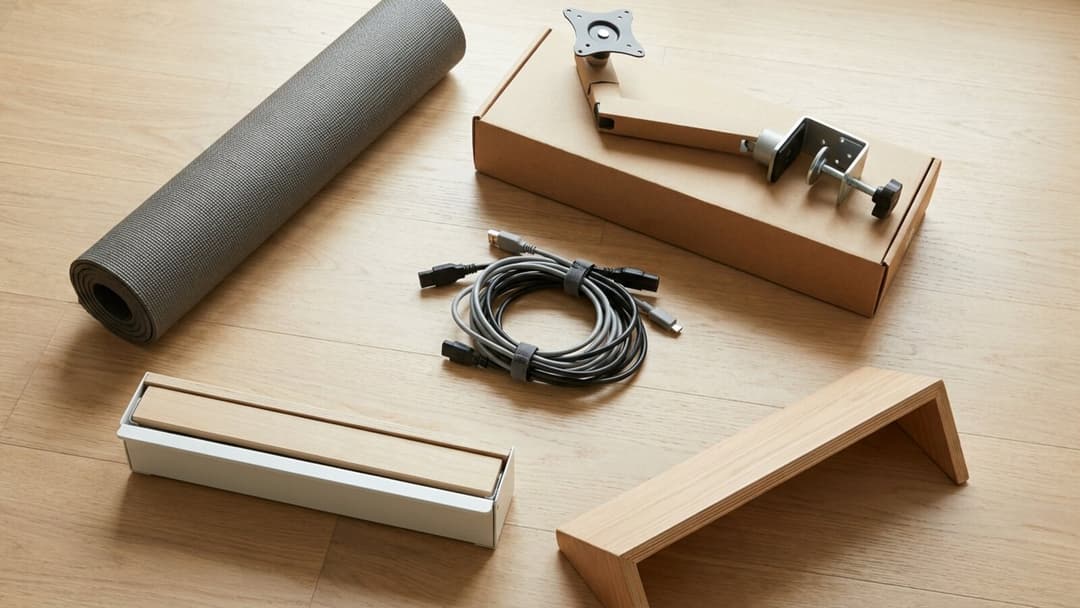
Buying "just in case" is where the money leaks. A headphone hook, a second drawer, a phone stand: each is cheap, and together they crowd the surface you were trying to keep clear. In a compact HDB or condo room the scarce resource is not budget, it is floor and desktop space, so an accessory that adds clutter can cost more than its price tag.
Ask one question instead. What is the most annoying part of using the desk today? Maybe your neck aches by lunch. Maybe cables snag when you raise it. Maybe your feet hurt after an hour standing. Fix that, live with it for a while, then decide if anything else is still bothering you. Nearly everyone lands on the same short list, so let us go through it.
A monitor arm, when your screen sits too low
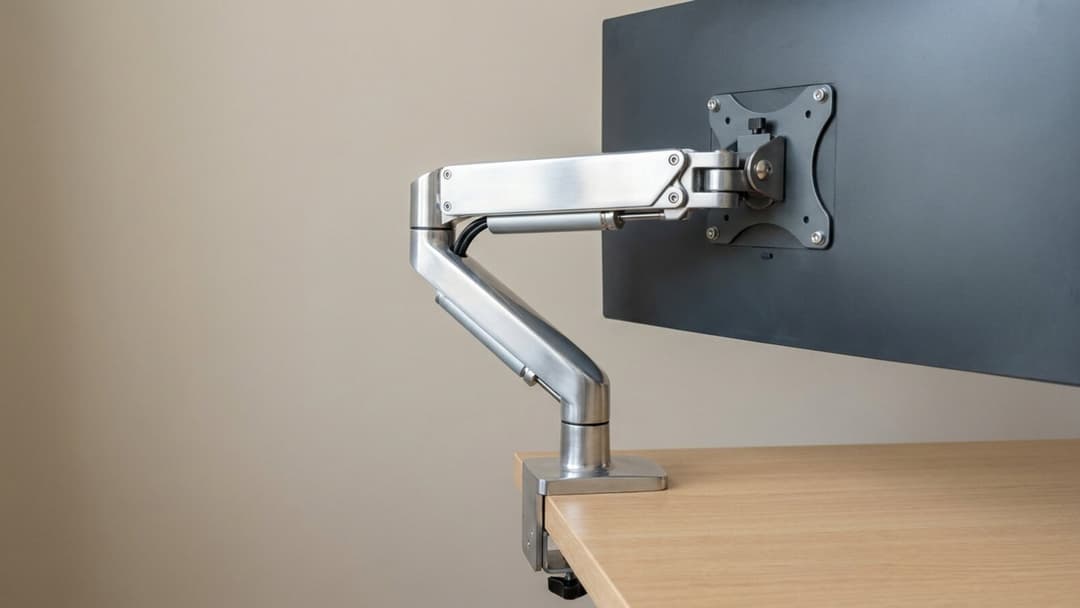
This is the accessory most people are right to want, because most people work off a laptop or a monitor sitting flat on the top, and both sit too low. According to OSHA's guidance on monitors, the screen should be 20 to 40 inches (50 to 100 cm) from your eyes, with the top of the screen at or below eye level; OSHA puts the centre of the screen about 15 to 20 degrees below horizontal eye level. A laptop on the desk forces your head down all day, and no amount of standing fixes that angle.
A riser can lift a single screen, but an arm does more: it holds the screen at the right height, frees the surface underneath, and lets the display follow you as you move between sitting and standing. If your screen already meets you at eye level and nothing hurts, you can skip this one. If it does not, this is where the first dollar should go. It pairs with getting the desk itself to the right height, which we cover in the standing desk height guide.
An anti-fatigue mat for the standing hours
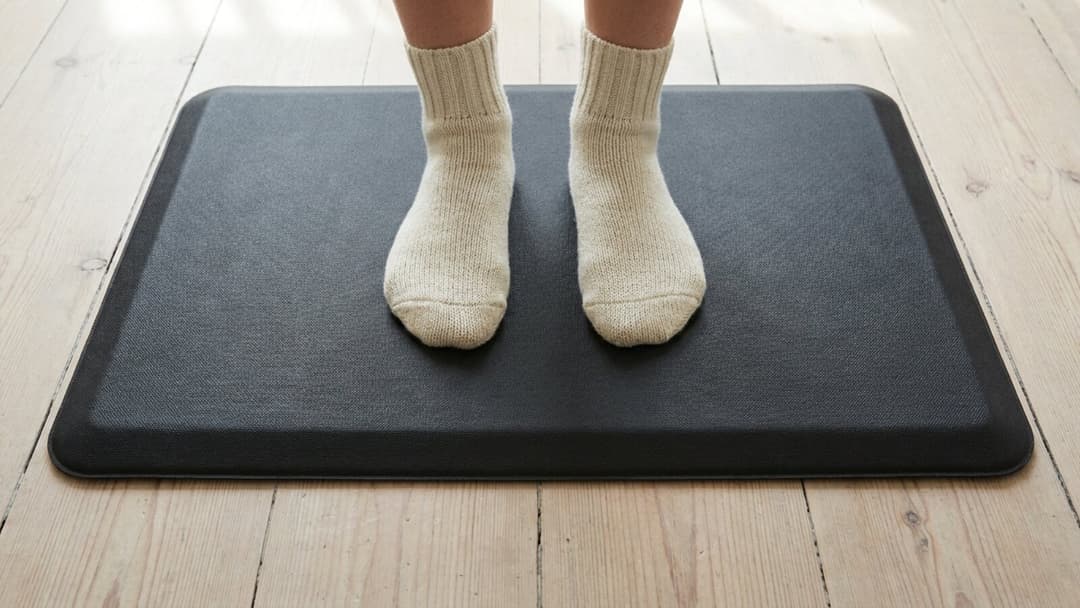
If you stand on tile or concrete and your feet complain within the hour, a cushioned mat is a reasonable buy. It gives underfoot and nudges you into the small shifts of weight that make standing bearable. But be clear about what it is. CCOHS guidance on working in a standing position recommends covering hard floors with mats, yet warns that too much cushioning increases the trip hazard, and its main advice is to change working position frequently and to use a foot rail to shift your weight from one leg to the other.
So a mat is a comfort aid for the standing stretches, not the cure. The cure is moving, which is the whole point of a desk that goes up and down. Buy the mat if the floor is the problem; do not buy it expecting it to replace sitting down now and then. Building the sit-and-stand rhythm matters more than any pad, and that is its own standing desk routine.
Cable management that survives the height change
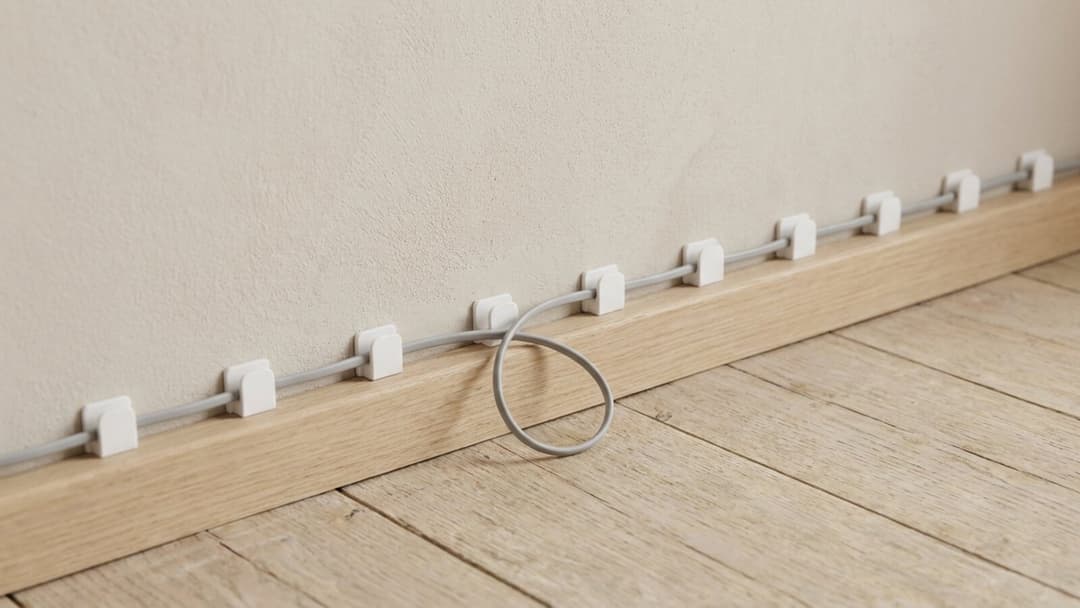
A fixed desk hides its cables once and forgets them. A desk that travels from 72 to 120 cm does not: every cable has to stretch and relax dozens of times a day, and a cable that is pulled tight will tug on a port, snag on the frame, or unplug itself mid-lift. This is the accessory with the best return, because the parts cost almost nothing.
The fixes are humble. Give every cable slack, gather the loose run with velcro straps, and route it with a strip of adhesive clips so it travels in a tidy line rather than a knot. The one rule that matters: fix your power strip to the moving part of the desk, so the whole bundle rises and falls together and only one lead runs to the wall. Get this right on day one and you never think about it again.
A keyboard tray or footrest, only if the maths says so
These two are sold as essentials and are usually not. OSHA's keyboard guidance asks for wrists straight and in line with the forearms, elbows about the same height as the keyboard, and forearms roughly parallel with the floor. A height-adjustable desk can already put your elbows there by moving the whole surface, so a tray that lowers the keyboard below the top often solves a problem the desk did not have.
A footrest is the same story. It earns its place only if your feet dangle when the screen is at the right height and the chair cannot go lower, which is rare once the desk itself is set correctly. The honest move is to measure your own posture first. If the desk already meets the numbers above, keep your money.
What to skip
Novelty is where budgets go to die. A desk bike or under-desk treadmill sounds appealing and then dominates a small room and gathers dust. A separate monitor riser is redundant once you have an arm. A second set of drawers eats the floor space you were protecting. And anything that duplicates what the desk already does, height being the obvious one, is a solution to a problem you already paid to solve. Buy the piece that fixes a real daily annoyance, and let the rest stay in the shop.
The desk carries all of it
Every accessory eventually rests on the desk, so the desk sets the rules. The Vival Desk lifts up to 100 kg in total, and a monitor arm, two screens, a CPU holder and a drawer all draw down that same budget, so it is worth knowing what you have loaded before you add more. An under-desk tray or drawer goes on during the build itself, and that is quick: our FAQ says most people are done in about 30 to 45 minutes and that one person can do it, so an add-on is not a second weekend project.
One more thing the shops rarely mention. Our warranty covers the motor and drive system, and it excludes cosmetic wear and tear, which means a clamp that bites into the top or a mat that scuffs it is on you, not the cover. So choose accessories that respect both the load and the finish. The desk gives you the surface to build on: a 120 x 60 cm walnut-finish top over an engineered-wood core, dual motors and three memory presets, and a footprint that suits a real HDB room, which is the case we make for why 120 x 60 fits. S$289 with code VIVAL60 (list S$349)