Ideal Desk Posture, Sitting and Standing
What good posture at a desk looks like, sitting and standing: the angles and heights from OSHA and CCOHS, and how to check each one at home with a tape.
Good posture at a desk is not a single pose you snap into and hold all day. It is a set of joint angles that let your muscles relax, plus the freedom to shift often. Set the chair, the desk and the screen once, and your body falls into place on its own. This guide puts each one by the numbers the ergonomics bodies publish, and shows how to check it at home in an HDB or BTO room with nothing more than a tape measure, sitting and standing.
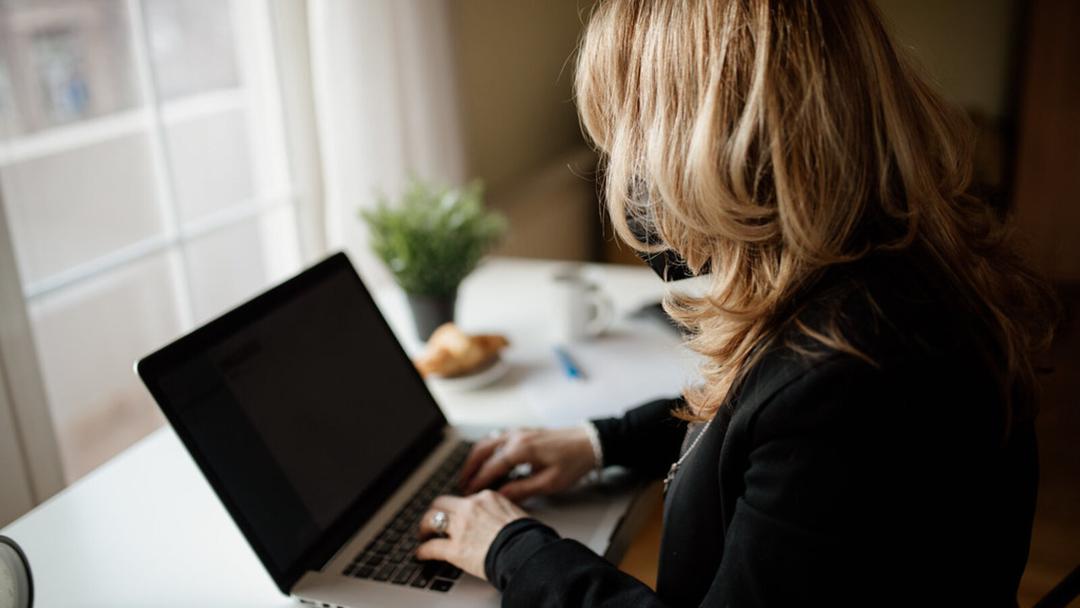
What good desk posture actually is
The agencies agree on the shape of it before they agree on any one number. CCOHS describes a good sitting position as one that lets you change your body position frequently and naturally, rather than one fixed angle kept all day. Two things matter, then: setting the neutral angles so your joints are not loaded at the edges of their range, and moving between them. On the movement, the same page advises five minutes of a moderate activity such as walking for every 40 to 50 minutes of sitting.
So read the rest of this as a starting shape, not a statue. If you want the seated angles in more depth, we have a longer walk-through on how to sit at a desk correctly.
Start with the chair, thighs and feet
Posture is built from the floor up, so the chair comes before the desk. OSHA describes the thighs as generally parallel to the floor, the knees about the same height as the hips with the feet slightly forward, and the feet fully supported by the floor or a footrest.
To check it, sit all the way back so the backrest meets your lower spine, then look down. If your feet dangle or the fronts of your thighs press hard into the seat, the chair is too high: lower it, or rest your feet on a small box or a footrest until they sit flat. If your knees ride up well above your hips, the seat is too low. A tape from the floor to the top of the seat, next to the floor-to-back-of-knee measurement of the person sitting, tells you which way to move.
Elbows, wrists and the height of the desk
Now the desk. The seated elbow is the measurement that sets how high the work surface should be. OSHA puts the elbows between 90 and 120 degrees when you type, with your hands, wrists and forearms straight and roughly parallel to the floor.
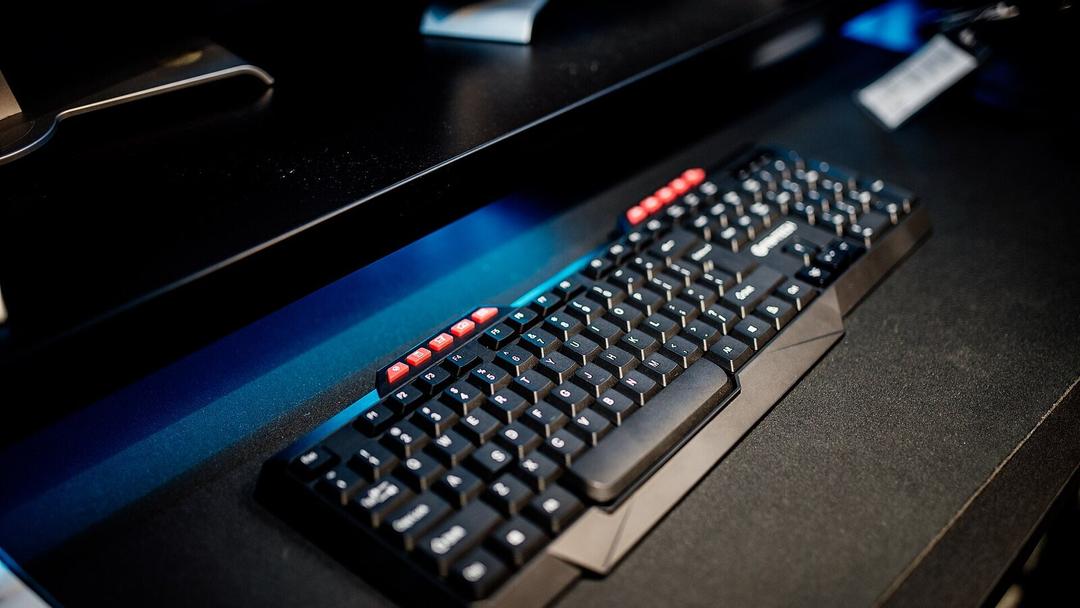

Here is the home check. Sit in your neutral position and measure from the floor to the underside of your elbow with a tape. That height is roughly where your keyboard should land. If your desk is fixed and sits higher, your shoulders creep up to reach it; if it is lower, your wrists bend back. Our desk height calculator turns your own height into a target figure, and the standing desk height guide does the same for the standing position.
Where the screen should sit
With the hands set, the head follows the screen, so the screen has to meet the head rather than the other way round. OSHA keeps the head level and in line with the torso, balanced above the spine rather than tipped forward. CCOHS calls about an arm's length a good monitor distance, with the screen about 15 degrees below the horizontal line of sight. Its seating guide adds that the monitor should sit just below eye level.

In practice, sit back, close your eyes, then open them looking straight ahead: your gaze should land a little below the top of the screen. A laptop almost never reaches this on its own, so raise it on a stand or a stack of books and add a separate keyboard, which keeps the earlier elbow angle while the screen comes up.
Standing posture, set the same way
When you raise the desk to stand, the same joints line up again, just higher. CCOHS keeps the elbows close to the body and bent at about 90 degrees, with the keyboard at about your standing elbow height and the monitor between horizontal and 35 degrees below. The same page suggests supportive footwear, an anti-fatigue mat where it helps, and a footrest to shift your weight from leg to leg rather than locking your knees.
The quick home check mirrors the seated one: stand tall, let your arms hang, bend your elbows to the keyboard, and the surface should meet them without your shoulders rising. If you are setting a standing desk up in a bedroom corner for the first time, we walk through the clearances and cable run in how to set up a standing desk in a BTO.
Switching between sitting and standing
A standing position held all day is just a new way to be stiff, so the posture only works if you keep changing it. CCOHS timing varies, from sitting for 1 hour and standing for 5 minutes to switching between the two more often, with no single agreed dose. Singapore's own Health Promotion Board asks adults for at least 150 to 300 minutes of moderate activity a week and to break up sitting time.
More standing is not simply better, either. A study of 83,013 adults found time spent standing was not linked to heart disease risk, while longer daily standing was linked to more circulation problems. The lesson is variety, not a contest to stand longest. For a rhythm that holds up past the first week, see our standing desk routine.
A desk that holds your posture
All of this is repeatable only if you can set a desk to a height instead of living with the one it came at. The Vival Desk travels from 72 to 120 cm, so you can park the surface at your seated elbow height and, with one press, at your standing elbow height. Three one-touch presets and an LED height readout remember both, on a dual-motor, reinforced metal frame rated to carry up to 100 kg across a 120 by 60 cm top. We first built it as an in-house fix for our own technicians' back strain, before it became something we sell.
An adjustable desk need not be a splurge. When we checked the brands' own price lists on 10 October 2026, six dual-motor standing desks sold here, from two Singapore brands, ran from S$329 to S$1,760. S$289 with code VIVAL60 (list S$349)
Set the chair, then the desk, then the screen; check each with a tape; and change position through the day. That is the whole of it, sitting and standing.