How to Sit at a Desk Correctly, Angle by Angle
The seated angles that matter for your hips, elbows, wrists and screen, drawn from OSHA and CCOHS, with a tape-measure check you can do in an HDB room.
Chances are you learned to sit at a desk by accident. You pull up whatever chair is nearest, drop the laptop on the table, and the shape your body falls into becomes the shape it keeps for the rest of the day. This guide takes the opposite route. It works through the body one joint at a time, from the floor up, and every angle below is drawn from an ergonomics authority you can open and read yourself. Where a number matters, there is a way to check it with nothing more than a tape measure and your own hand.
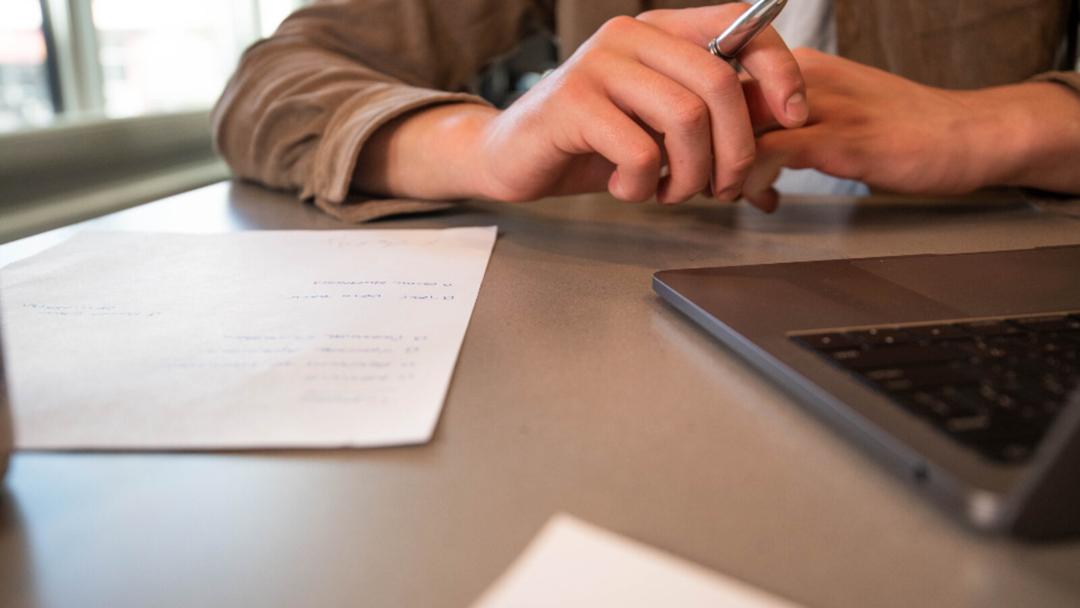
There is no one perfect sitting position
The best posture is a moving one. The Canadian Centre for Occupational Health and Safety advises against settling into a single seated position for long and recommends not sitting for more than 50 minutes at a time. That is the honest starting point for correct sitting posture at a desk: the angles that follow give you a good default to return to, and the real skill is leaving that default often. Read the rest as a set of positions to pass through, not a single pose to freeze in.
Feet, knees and hips
Build the posture from the ground. The CCOHS puts the hips, knees and ankles at about 90 degrees or slightly more, with the knees at or below the level of the hips and the ankles in front of the knees. To check the seat depth, slide your hand behind your knee: there should be a gap about three fingers wide between the back of the knee and the front edge of the seat, so the seat is not pressing into the back of your legs. Keep both feet flat, either on the floor or on a footrest.
OSHA describes the same lower body a little differently, with the knees about the same height as the hips, the feet slightly forward, and the thighs supported and roughly parallel to the floor. If you set the chair high enough to get your arms right and your feet then dangle, that is normal, and it is exactly the case a footrest under the desk is for.
Your lower back and the backrest
Your lower spine has a natural inward curve, and a chair should hold it there rather than let it round away. OSHA says the back should be fully supported with appropriate lumbar support when you are sitting upright or leaning back slightly. The check is simple to feel: push your hips to the very back of the seat, then find the part of the backrest that bulges forward a little and make sure it meets the small of your back, not your mid-back. Many office chairs let you raise or lower that support or dial its firmness, so spend a minute finding where it lands on you.
Elbows, forearms and wrists
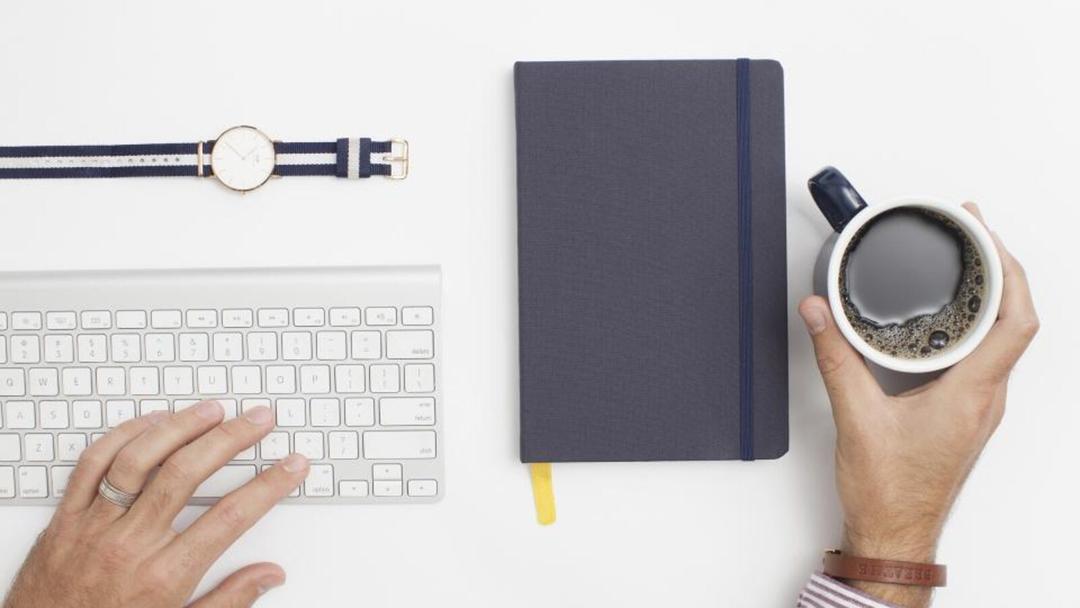
Now the arms, which are where most desks quietly go wrong. OSHA keeps the elbows in close to the body and bent between 90 and 120 degrees, the forearms roughly parallel to the floor, and the shoulders relaxed rather than hitched up. The CCOHS adds that the wrists stay straight and in line with the forearms, and that the upper arms sit between vertical and about 20 degrees forward.
Here is the trap. When a fixed desk is too tall, you raise your shoulders to reach the keyboard; when it is too low, you drop your wrists and hunch. The fix is not to contort your arms but to bring the surface to your elbows. Our desk height calculator turns your measurements into a seated and a standing number, and the standing desk height guide walks through the same idea by feel. A height-adjustable desk makes the target reachable: the Vival Desk travels from 72 to 120 cm, so the top can meet your forearms instead of asking your body to meet the top. Once you find the seated height where your forearms land flat, the controller saves it. You press M, then 1, 2 or 3, and after that one touch of a number sends the desk straight back to it.
Your head, neck and the screen


Get the first three sections right and the head mostly looks after itself, because OSHA wants it level and in line with the torso and the CCOHS wants it aligned with the spine. The one thing that pulls the head out of line is a screen in the wrong place. For the monitor, CCOHS guidance suggests setting it about an arm's length away, keeping the top of the screen at or just below eye level, and tilting it to roughly 15 degrees below the horizontal. For anything you read flat on the desk, the CCOHS places the working object at about 10 to 30 degrees below your line of sight.
This is also why a laptop alone fights good posture. Its screen and keyboard are joined, so the screen sits too low the moment your hands are right. Raise the laptop on a stand or some books until its top edge reaches eye level, and add a separate keyboard and mouse so your arms can keep the angles from the last section.
Sitting through a Singapore day
Most of this has to work in a real room, often a bedroom corner of an HDB or BTO flat rather than a dedicated office. The good news is that none of the angles above needs space, only a chair you can adjust and a surface at the right height. Our guide to setting up a desk in a BTO study covers fitting the corner itself.
The harder part is the clock. The Health Promotion Board asks people to move more and break up sedentary time through the day, and to work towards 150 to 300 minutes of moderate activity a week. Stand up to refill a water bottle, take calls on your feet, and build a simple sit-stand routine so changing position costs you nothing. A few stretches and movement breaks between tasks do more than any single posture held for hours.
Whatever desk you use, the trick is to make the correct heights permanent so you are not re-measuring every morning. On the Vival Desk, a quiet lit readout shows the exact height as the top moves, so you set a position by its number rather than by eye, and the three memory presets hold your seated height, your standing height and a third for anyone who shares the desk. It carries up to 100 kg of monitors, books and everything else. Set your body first, bring the desk to your elbows, save the number, and the day's posture takes care of itself.