Standard Height of a Computer Table, and Yours
A standard computer table is about 74 to 76 cm tall, but the right height is your own. How to measure it and set a desk to fit you.
Most computer tables are built to one height, and someone chose that height for an average body rather than for yours. It works until your shoulders creep up or your wrists bend back over a long afternoon. This guide gives the standard figure first, then the measurement that actually decides whether a table suits you, and what to do when the table you already own cannot move.


The standard height, and the one that matters
A standard, fixed computer table is usually about 74 to 76 cm tall, the convention furniture height guides settle on for a seated desk. That is the number printed on most spec sheets, and it is a fair starting point for a person of roughly average height.
The figure is a starting point, not a target. The height that counts is your own seated elbow height: where the surface meets your hands when your forearms are level and your shoulders are relaxed. Standard furniture dimensions suit an average body, so a taller or shorter person often wants a surface a few centimetres away from the shelf figure, and both are right. For the standard heights of the other tables in a home, dining, counter and bar, see our table height guide.
What makes a computer table different
A dining table only has to clear your knees. A computer table has to land your hands on a keyboard and your eyes on a screen at the same time, so its height answers to two jobs at once.
Seated, the elbows should stay close to the body and bend between 90 and 120 degrees, with the hands, wrists and forearms straight and roughly parallel to the floor, according to OSHA's computer workstation guidance. Set the surface so your hands sit near that elbow height and the keyboard part is solved. The screen is the second job: once the surface is right, the monitor usually still needs to rise so its top sits near eye level, which is where a riser or a monitor stand earns its place.
How to measure the height that fits you
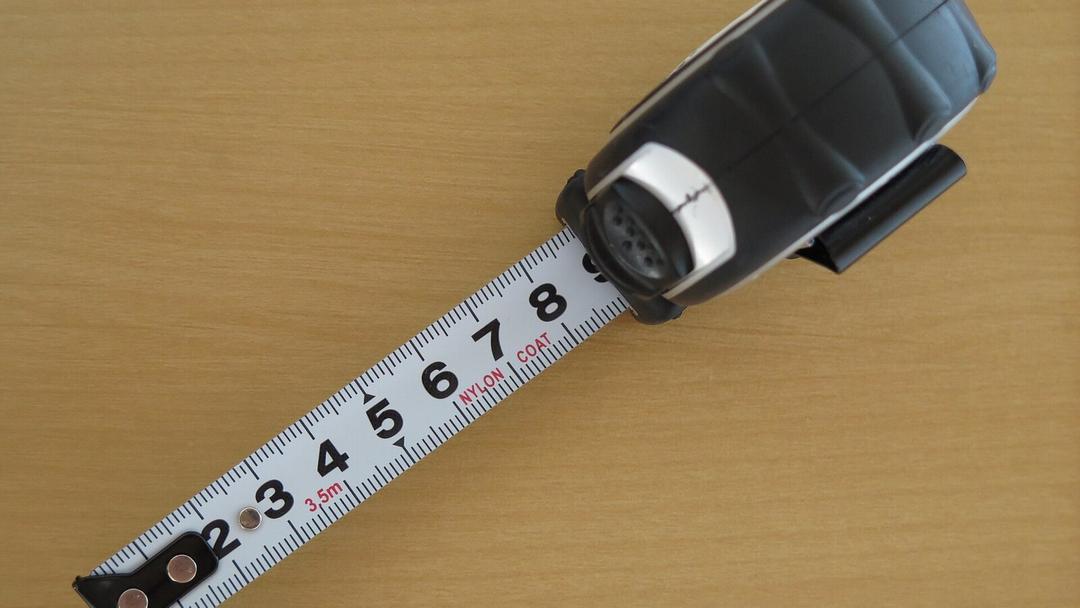

You need a tape measure and a chair you can sit in properly. Sit back with your feet flat on the floor and your back supported. Let your upper arms hang at your sides, bend your elbows to about a right angle, and keep your wrists straight. Measure from the floor to the underside of your elbow. That reading is close to the surface height you want, because the keyboard should sit at about elbow height.
Treat it as a range rather than a single answer. There is no single correct sitting position; you set the surface to your body and adjust the angles until your elbows sit around 90 degrees and your shoulders stay low and relaxed, as CCOHS describes it. If you would rather not do the arithmetic, our desk height calculator turns your height into a seated and standing figure for you.
When your table is a fixed height
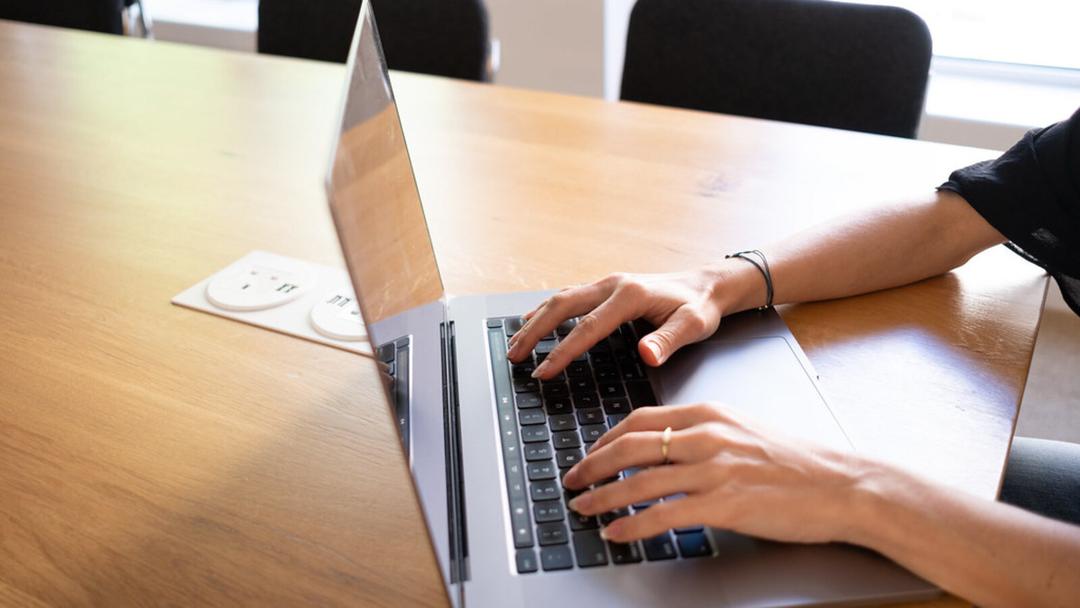
Plenty of desks cannot move, and you can still get close. Start with the chair: raise it until your elbows reach the surface and your forearms are level. If your feet then leave the floor, support them. OSHA notes the feet should be fully supported, with a footrest used where the desk height is not adjustable, and the thighs kept roughly parallel to the floor with the shoulders relaxed (OSHA).
If the surface is too high even with the chair up, a thinner keyboard buys back a little room. If the screen now sits too low, lift it until the top is near eye level. Each of these nudges your body back towards the relaxed position where your joints sit with the least strain, without a new desk, though a fixed height always leaves one of them as a compromise.
When an adjustable desk is the simpler fix
A fixed table makes you fit the furniture. A height-adjustable desk reverses that: you set the surface to your own elbow height and leave it there. On the Vival Desk, the controller stores three one-touch heights and a lit readout shows the exact height as it moves, so you can dial a seated height to the centimetre and return to it without guessing. The top travels from 72 to 120 cm, which covers a low seated surface for a shorter person and a standing one for the afternoon. Most people assemble it in about 30 to 45 minutes before they set that first height, and one person can do it alone.
If standing is part of the plan, our standing desk height guide covers that range, and our guide to adjusting a desk walks through moving between sitting and standing. S$289 with code VIVAL60 (list S$349) with free delivery across Singapore.