Study Desk Lighting: Brightness, Colour and Glare
How to light a study desk: the brightness in lux, warm versus cool colour, and where to place a lamp and screen to cut glare, with figures from OSHA and CCOHS.
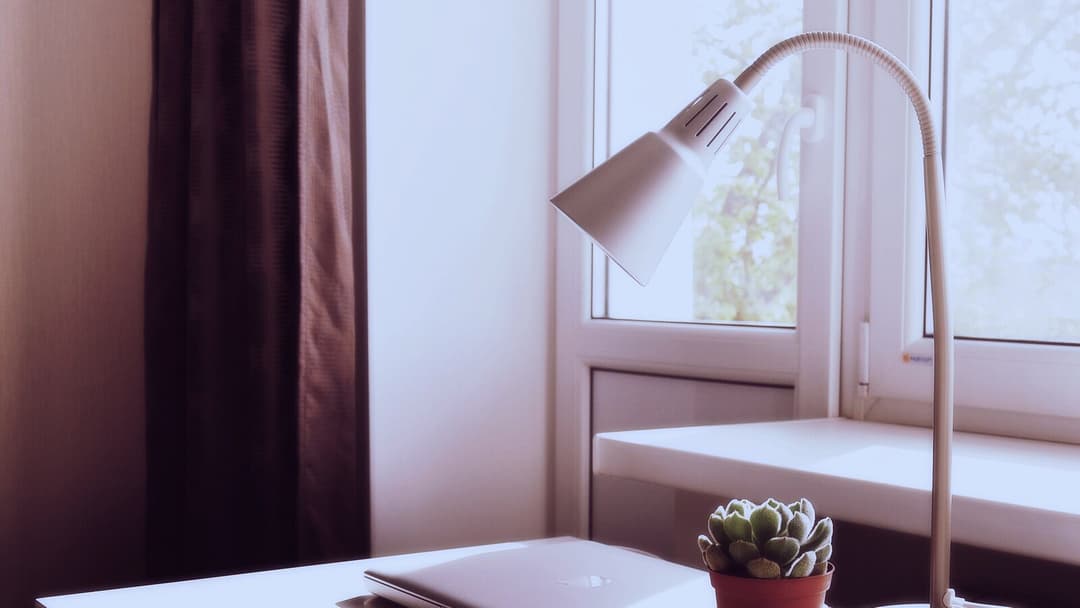

Good light is the part of a desk that people notice only when it is wrong. A page that blurs by nine at night, a screen that mirrors the window behind you, a single ceiling bulb that leaves half the surface in shadow: each is a lighting problem wearing a different hat. The good news is that most of it comes down to three things you can measure or simply see, which are how bright the light is, what colour it is, and whether it throws glare back at you.
This article is general information, not medical advice. If your eyes often hurt, water or blur, see an optometrist or a doctor.
What follows is how to light a desk and place a screen so reading and typing stay comfortable, with the brightness, distance and angle figures taken from the bodies that set workplace standards rather than from numbers pulled out of the air. We will start with the light already coming through your window.
Start with the daylight and where the desk sits
Daylight is the best light in the room and the easiest to get wrong. In Singapore the issue is rarely too little of it; it is a low afternoon sun that pours straight onto a screen or straight into your eyes. The fix is placement. Sit so the window runs alongside you rather than in front of or behind the screen. The Canadian Centre for Occupational Health and Safety advises positioning the workstation so that windows and fluorescent tubes are parallel to your line of sight, and the United States Occupational Safety and Health Administration puts it plainly for the screen itself: place the monitor perpendicular to a window.
A window behind you turns the screen into a mirror. A window straight ahead makes your eyes fight the bright sky while trying to read. With the glass to one side, you keep the daylight and lose most of the trouble. On a bright day a blind or a sheer curtain lets you dim the sun without reaching for the switch.
How much light, and how to check it
Brightness has a unit, which makes it one of the few parts of this you can actually check. CCOHS says adequate general lighting is usually between 500 and 1000 lux, measured 76 cm (about 30 inches) above the floor, roughly the height of a desktop. A free lux meter app on a phone, laid on the desk, gets you close enough to know whether you are in that range or well below it.
One ceiling light alone rarely manages it, and it tends to drop a shadow from your own hand across the page. The usual answer is two layers: the room's general light, plus a task lamp for the desk. CCOHS suggests adding local lighting to eliminate those shadows, so angle the lamp so its light lands on your work and not into your eyes, and keep the rest of the room lit too, rather than one bright pool in the dark.
Warm or cool, and the blue-light question
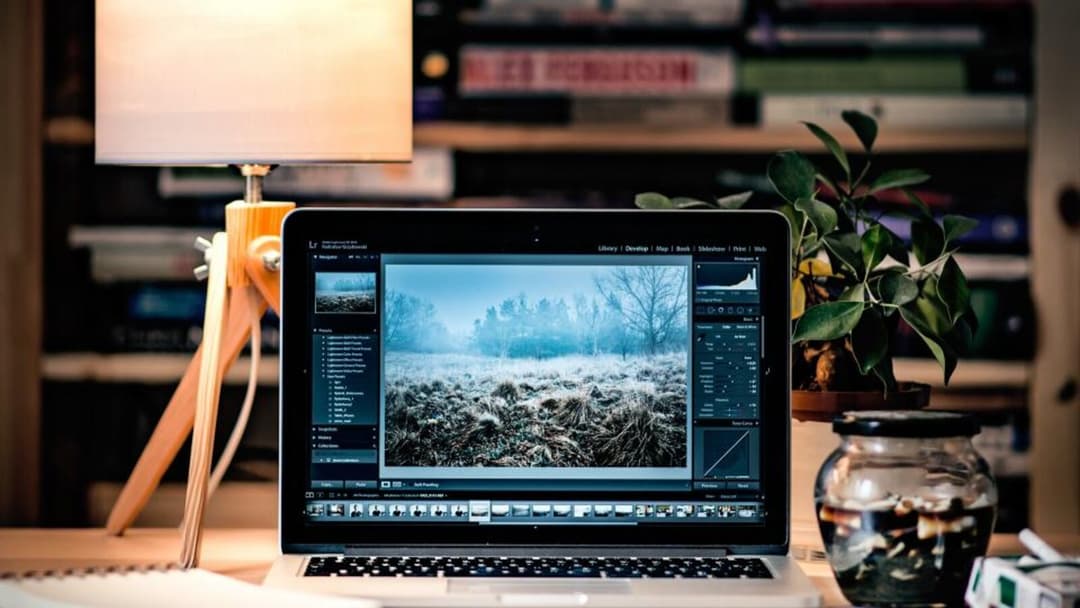
Colour temperature is the warm-to-cool scale, measured in kelvin, that makes one bulb look yellow and another look blue-white. It is worth saying plainly that the health bodies do not hand down a single best colour for studying. Which you prefer at a desk is mostly comfort, so pick the one that is easy to read under and keep it consistent across the room, so your eyes are not jumping between a cool lamp and a warm ceiling.
The part people worry about is blue light, and here the eye doctors are clear. The American Academy of Ophthalmology says there is no scientific evidence that the light coming from computer screens is damaging to the eyes, and for that reason it does not recommend any special eyewear for computer use. It adds that several studies suggest blue light-blocking glasses do not improve symptoms of digital eye strain. The discomfort is real, but the Academy traces it to something simpler: long hours staring at a screen make you blink less, which can cause temporary eye strain. More on resting your eyes below.
Where the screen goes
Light and screen have to be set together, because the screen is a light source too. Set your chair first, then bring the screen up to your eyes rather than hunching down to meet it. If your desk height is still a question, our standing desk height guide and the desk-height calculator work through it.
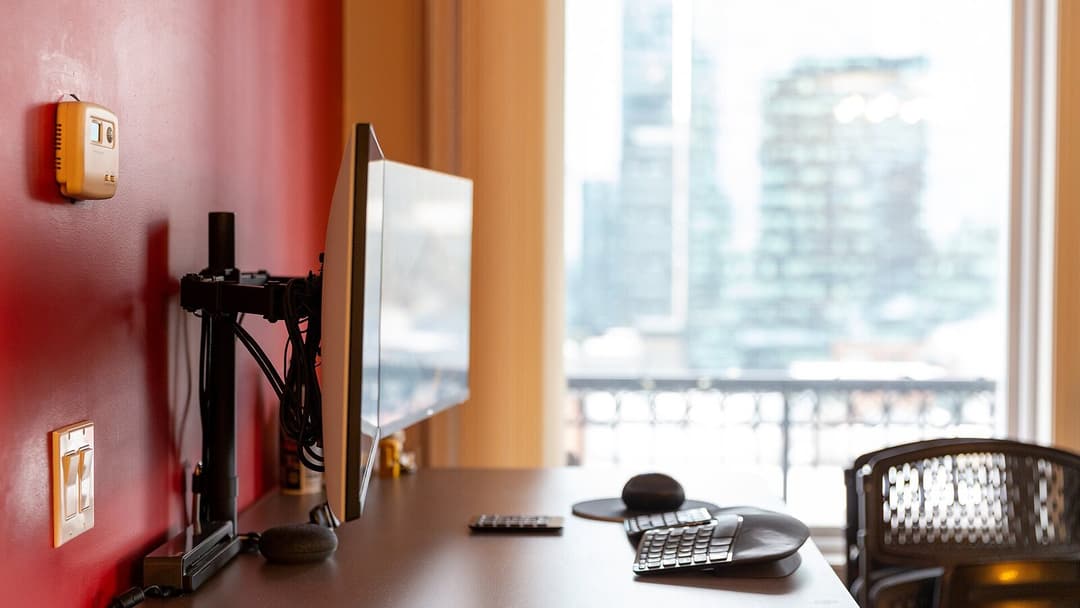
OSHA gives the targets. The top of the screen should sit at or slightly below eye level, with the centre about 15 to 20 degrees below your horizontal line of sight. The glass belongs between 20 and 40 inches, which is 50 to 100 cm, from your eyes, about an outstretched arm away. Tilt it no more than 10 to 20 degrees. One catch is worth knowing: OSHA notes that tilting the monitor back can create glare on the screen from ceiling lighting, so if you lean it back and a bright reflection appears, drop the tilt or move the light before you reach for anything else.

One screen, two or three
The same numbers apply however many screens you run; each one still wants to be about an arm's length away with its top near eye level. A single screen goes dead ahead, its middle lined up with your nose. Two screens you use evenly sit in a shallow curve with the seam between them in front of you; if one is the main screen, square that one up and angle the second in toward you. A third usually wraps further round to one side, which means more turning of the head, so it suits glancing reference rather than steady reading.
Desk width is the quiet limit. Our FAQ notes the Vival Desk top is 120 by 60 cm and holds a single or dual-monitor setup, which is about the room two mid-size screens want on one surface before a third starts hanging off the edge. Measure your own top against the screens you have before you commit to a wall of them.
Checking for glare, and resting your eyes
Glare comes in two kinds, and CCOHS separates them: reflected glare from polished surfaces, glass and monitors, and direct glare from bright fixtures and sunlight. To find reflected glare, switch the screen off for a second and look at the dark glass; whatever you can see mirrored in it, a window, a lamp, the ceiling light, is what you will be reading through once it is on. CCOHS recommends matte finishes on the offending surfaces to cut those reflections, which is why a low-sheen desktop and a shade over a bare bulb help more than they look like they should.

For your eyes themselves, the Academy of Ophthalmology recommends the 20-20-20 rule: every 20 minutes, look at something at least 20 feet away for at least 20 seconds. It is a break for the focusing muscles, not a cure, and the Academy is plain that if symptoms continue you should contact an ophthalmologist. Good light and a well-placed screen make the hours easier; they are not a treatment for anything.
Setting it up on a Vival Desk
A desk cannot supply your lamp or your daylight, but the surface underneath does its bit for glare. The Vival Desk top is a matte, low-glare walnut-look laminate (a printed surface layer bonded onto the board) over an engineered-wood core, so it bounces back far less of a lamp or ceiling light than a glossy top would, and that same 120 by 60 cm surface takes a single screen or two with room left for a task lamp and a notebook. If you are still choosing the furniture itself, our guide to choosing a study table covers that side, and the walk-through on setting up a desk in a small room shows where it all goes once it arrives.
We make desks, not lamps, so treat the lamp as the one piece to buy on its own, and lean on a few good accessories for the rest. Get the window to your side, the brightness into range, and the screen an arm's length away at eye level, and the desk stops being something your eyes work around. The Vival Desk ships flat for a small room with free delivery across Singapore. S$289 with code VIVAL60 (list S$349)