Laptop Stand: What to Look For Before You Buy
What to check before buying a laptop stand: how high it lifts the screen, the weight it holds, footprint and grip, with figures from OSHA and CCOHS.

A laptop sitting flat on a desk puts its screen about chest high. You read it with your chin down, and the keyboard and the screen stay locked together at that one low level. A stand lifts the screen off the surface. The question is which stand, and how to tell a steady one from a thin riser that rocks when you type.
This guide rests on two things: published ergonomic guidance from OSHA and CCOHS, and the specifications that makers print on their own pages. We make desks, not laptop stands, so we have not tested the stands on the market and we name no brand here. What follows is what to measure and check for yourself, not which badge to buy.
The checks that matter
Before the detail, here is the whole list. A good laptop stand does five jobs, and you can verify each one before you pay.
- It lifts the screen close to eye level. The United States Occupational Safety and Health Administration says the top of the monitor should be at or slightly below eye level, and a laptop flat on the desk sits well under that line.
- It leaves room for a separate keyboard and mouse, because a stand raises the laptop's built-in keyboard along with the screen.
- It holds your laptop's weight with margin to spare, a figure on the maker's spec sheet you can read against your own machine.
- Its base fits your desk, both the footprint it occupies and the depth it needs behind the keyboard.
- It grips. Non-slip feet and pads keep the laptop and the stand where you put them.
The rest of this guide takes those one at a time. Each is something you can put a tape measure or a spec sheet against, which is more than a star rating gives you.
How high should it lift your screen?
Start with the target, then work out the rise. OSHA puts the top of the screen at or slightly below eye level, with the centre about 15 to 20 degrees below your horizontal line of sight. The same guidance sets the preferred viewing distance between 20 and 40 inches, which is 50 to 100 cm, from your eye to the glass. Canada's Centre for Occupational Health and Safety calls an arm's length a good estimate of that distance and suggests placing the screen about 15 degrees, or a little lower, below the horizontal line.

To see how much lift you need, set your chair and desk first, since eye level depends on where you sit. Our standing desk height guide and the desk-height calculator walk through that. Then sit as you normally work and measure the gap between the top of your laptop's screen and your eye line. That gap is the rise a stand has to deliver. Check the stand's height range against it: a fixed riser gives one height, so read the exact figure, while an adjustable one lists a range. A small laptop and a large one leave different gaps, so measure with the machine you own.
Why a laptop stand needs an external keyboard
A laptop joins the screen and the keyboard in one hinge. Lift the screen to eye level and the keyboard rides up with it, out to somewhere around your chest, which is too high to type from with any comfort. This is the one thing a laptop stand cannot solve on its own, and it is worth knowing before you buy.
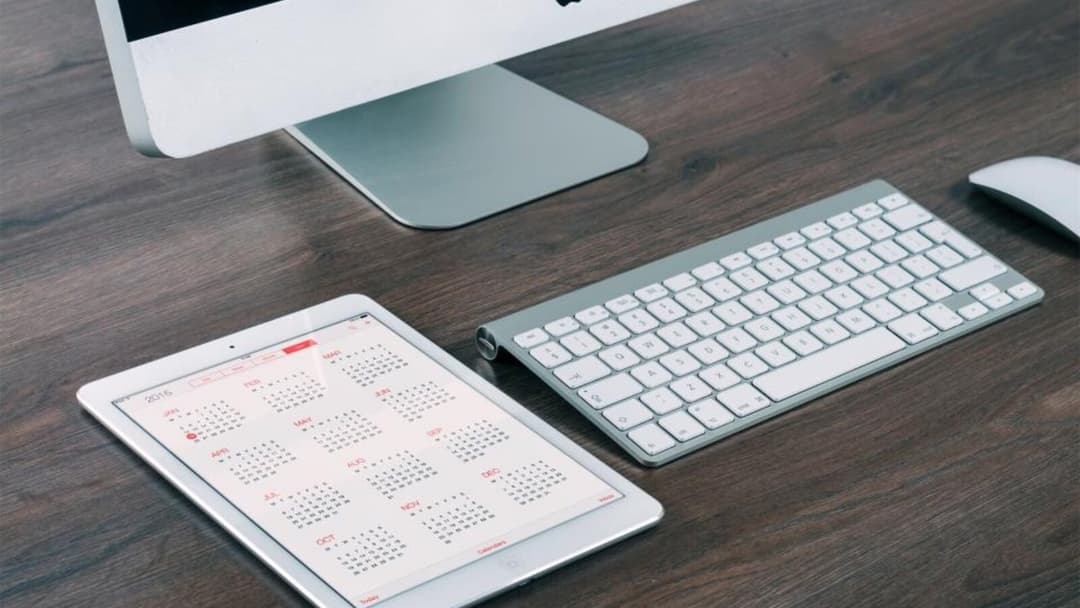
The fix is a separate keyboard and mouse at desk height. OSHA says your elbows should be about the same height as the keyboard and hang comfortably at your sides, with your forearms roughly parallel to the floor and your wrists straight and in line with them. A stand lifts the screen, the external keyboard keeps your hands down where that line wants them, and the two work as a pair. So when you budget for a stand, budget for the keyboard and mouse too, and leave desk space in front of the stand for them. Our guide to standing desk accessories covers how those pieces fit together.
Weight, footprint and grip: the spec-sheet checks
Three numbers on the box tell you most of what matters. The first is the load the stand is rated to carry. Compare it with your laptop's own weight, which sits on the maker's page or the box it came in, and look for clear headroom rather than a stand rated to the gram. A heavier gaming laptop asks more of a stand than a thin ultrabook.
The second is the footprint. A stand's base and the depth it needs behind the keyboard both eat into your desk. Measure the base against the clear patch of desk you have, and remember the external keyboard and mouse want their own room in front.

The third thing is grip, and it is the easy one to overlook. Look for rubber or silicone pads where the laptop rests and where the stand meets the desk. A spec sheet that lists non-slip pads and a weight rating with margin is telling you the stand was designed to stay put.
Fixed, adjustable or foldable
Build type is a trade, not a ranking, and the right one depends on how you work.
A fixed stand holds the laptop at one height and one angle. It is usually the steadiest of the three and the simplest to live with, as long as that one height matches the rise you measured. An adjustable stand moves through a range of heights and angles, which suits a desk shared by two people or a sit-stand setup where your eye line changes. Check how it locks, since the join that adjusts is also the join that can sag under weight. A foldable stand folds flat and packs into a bag, which is the point if you move between a desk and a cafe, though the hinges that let it fold are the parts to inspect for play. Match the type to the pattern of your days, and read the one spec that matters most for it: the fixed height, the adjustment range, or the packed size.
Fitting it on a Vival Desk in an HDB room
In a small room the desk itself sets the limits, so the last checks are about the surface the stand sits on. On the Vival Desk the top is a matte, low-glare walnut-look laminate (a printed surface layer bonded onto the board) over an MDF core, which is a board pressed from wood fibre. That top is the surface a stand's feet meet, so the grip check above applies here too.

Depth is the other limit. Our FAQ notes the Vival Desk top is 120 by 60 cm and holds a single or dual-monitor setup without overhang, and on a 60 cm-deep top a laptop stand and an external keyboard in front of it share that depth. Measure the stand's base, add room for the keyboard, and keep an arm's length of clear depth so the screen can sit the 50 to 100 cm back that the guidance asks for. If you are building a corner from scratch, our first-flat workspace guide sets out how a desk, a stand and a chair come together in a tight room.
Choose on the measurements, not the marketing. A stand that lifts your screen to eye level, leaves room for a keyboard, carries your laptop with margin, fits your desk and grips it is a good stand, whatever the price tag says.